CMS
Landing Page Builder
Build high-converting landing pages with structured content blocks and A/B testing.
6 features · REST API · Free tier
Content management
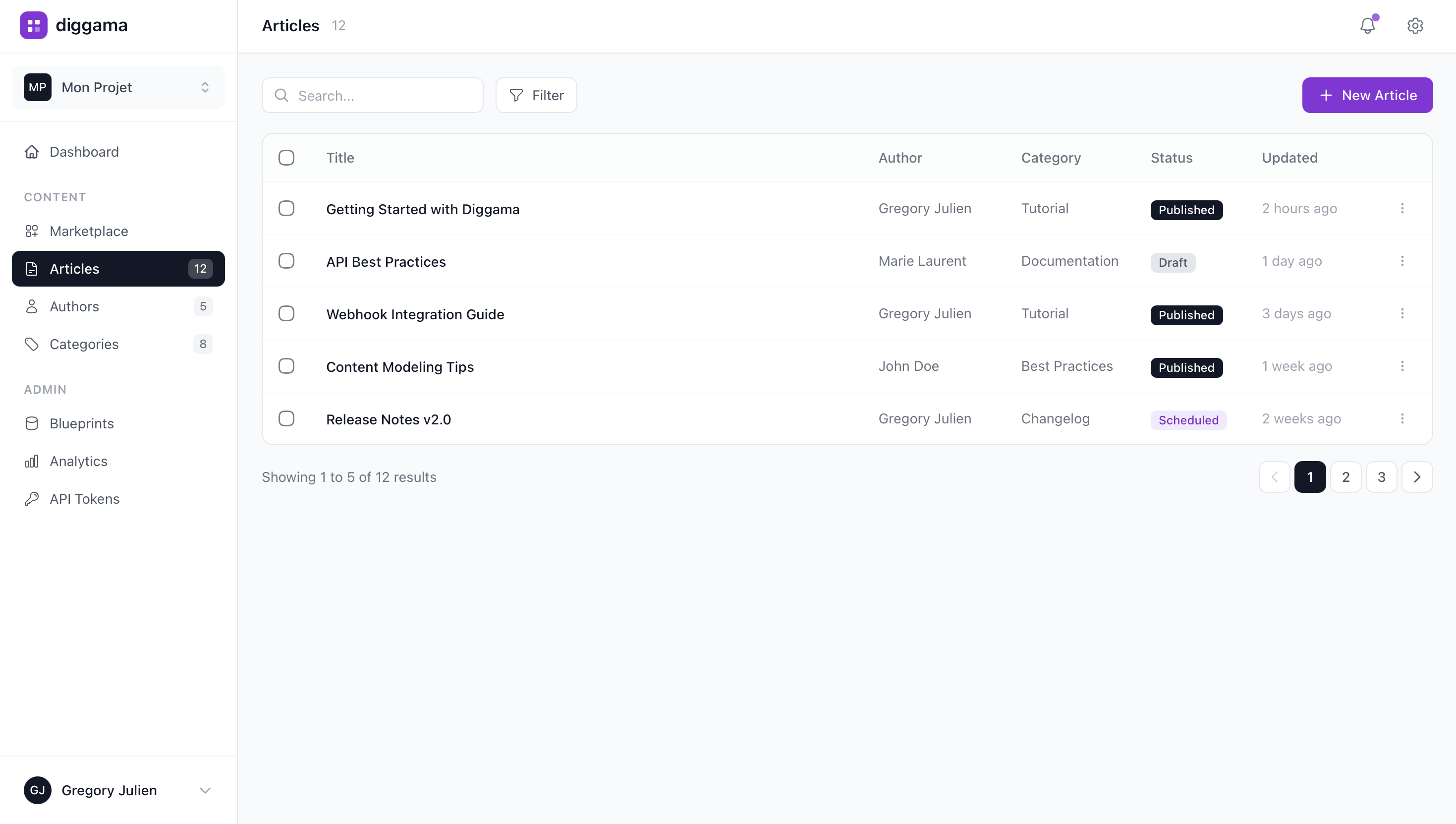
Browse and manage your content
View all your resources in a clean, organized list. Filter by status, search by title, and quickly access any content.
- Quick search and filteringFind any content instantly with powerful search
- Status managementDraft, Published, Scheduled statuses
- Bulk actionsSelect multiple items, paginate through results
Content editor
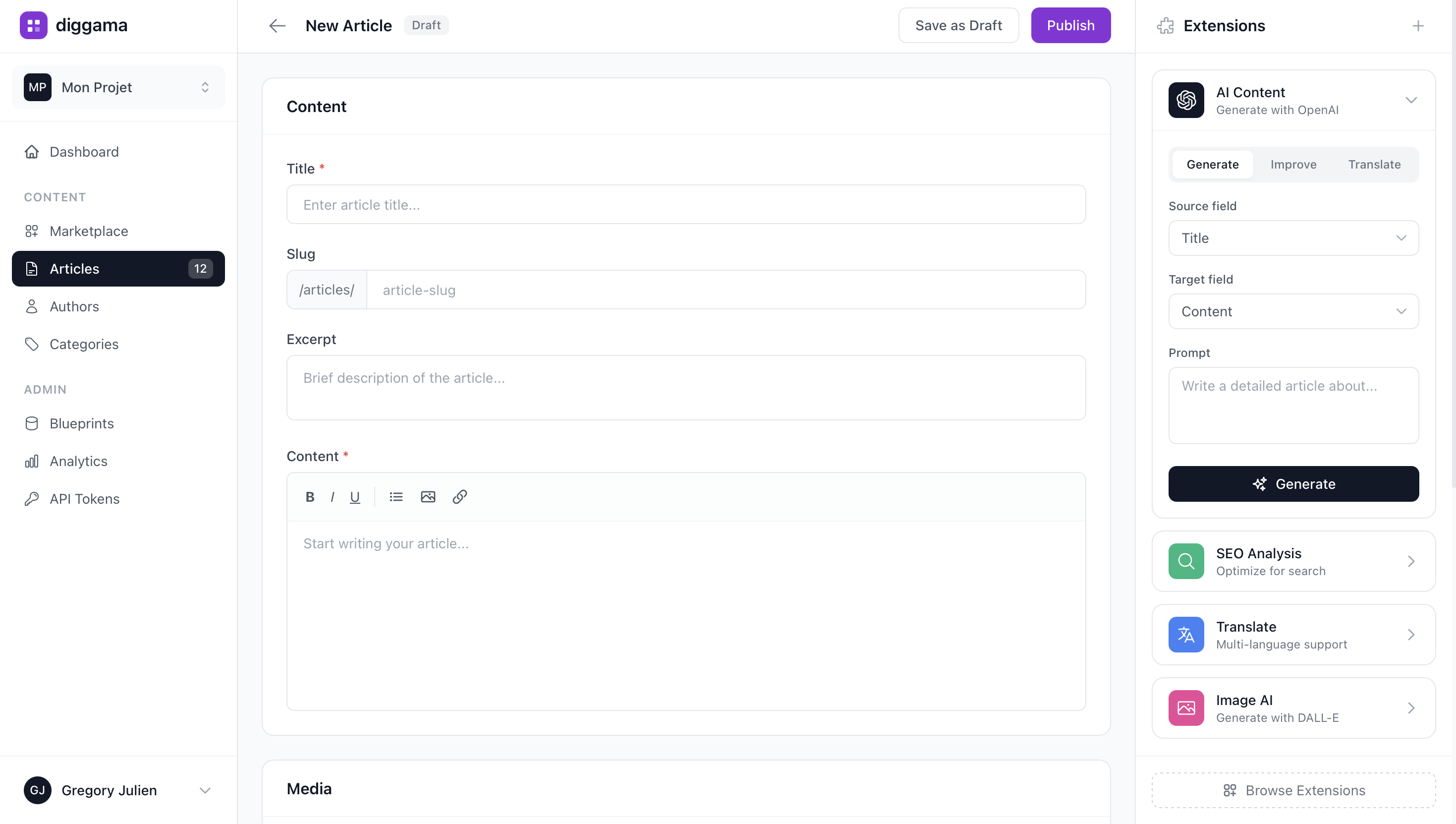
Create content with ease
Intuitive form builder with rich text editing, media uploads, and auto-save. Each field type has its own optimized input component.
- Rich text editorFull WYSIWYG with media support
- Image optimizationUpload and auto-optimize images
- Auto-save & revisionsNever lose your work, track all changes

How it works
How It Works
- 01
Set Up Landing Page Builder
Choose a template or start from scratch. Customize fields for your landing page builder.
- 02
Manage Content
Add, edit, and organize your data with an intuitive interface. Invite team members.
- 03
Go Live
Connect to your website, app, or workflow with one API call. Deploy anywhere.
Features
Key Features
Content blocks
SEO fields
Custom layouts
Form integration
Analytics ready
Fast page loads

What is Diggama Landing Page Builder?
Build high-converting landing pages with structured content blocks and A/B testing.
What features does Landing Page Builder include?
Key features include Content blocks, SEO fields, Custom layouts, Form integration, Analytics ready, and more.
Who is Landing Page Builder for?
Landing Page Builder is designed for Growth teams, Marketing managers, Performance marketers, Startup founders. Anyone who needs a flexible, no-code landing page builder solution.
Can I use Landing Page Builder without coding?
Absolutely. Landing Page Builder is built for non-technical users. Set up your workspace visually and manage everything through an intuitive interface.
Does it have an API?
Yes. Diggama provides a full REST API so developers can pull data into any frontend framework, mobile app, or workflow.
How much does Diggama cost?
Diggama offers a free tier with generous limits. Paid plans start at affordable prices for growing teams. Visit our pricing page for details.
How long does it take to set up?
Most teams are up and running in under 10 minutes. Start with a template or build from scratch - no engineering support needed.

Try Landing Page Builder for free
Build high-converting landing pages with structured content blocks and A/B testing.
No credit card required · 3 months free trial · Cancel anytime