Inventory Management
Software License Tracking - Replace Excel
Spreadsheets break down as your data grows - no validation, no access control, no audit trail.
6 features · No code required · Free tier
The problem
Replace Excel
Spreadsheets break down as your data grows - no validation, no access control, no audit trail.
IT and finance teams tracking software licenses in Excel face a unique challenge: the data changes constantly. Subscriptions renew monthly or annually, seat counts fluctuate as employees join and leave, and pricing tiers shift with usage.
A typical spreadsheet has columns for vendor, product, license type, seat count, cost, renewal date, and owner. The problem is that nobody updates it consistently.
Renewal dates pass unnoticed, triggering auto-renewals for software nobody uses. Seat counts in the spreadsheet diverge from actual usage because onboarding and offboarding processes do not feed back into the sheet.
At 40+ subscriptions costing an average of 15,000 euros per month, even a 10% waste rate means 18,000 euros lost annually to unused licenses.

Transformation
Before & After Diggama
Before
IT tracks 55 software subscriptions in a spreadsheet updated quarterly. Between updates, three subscriptions auto-renewed for a combined 8,200 euros despite having zero active users. Seat counts are off by 15-20% because the sheet does not reflect recent hires and departures. Audit preparation requires two weeks of manual reconciliation with vendor invoices. Nobody knows the company's total software spend without a half-day calculation exercise.
After
Every subscription is tracked with renewal alerts 60 days in advance. User assignments sync with the team directory, flagging unused seats in real time. Total spend is visible on a dashboard. Audit prep takes hours, not weeks.

Key features
Features for Software License Tracking
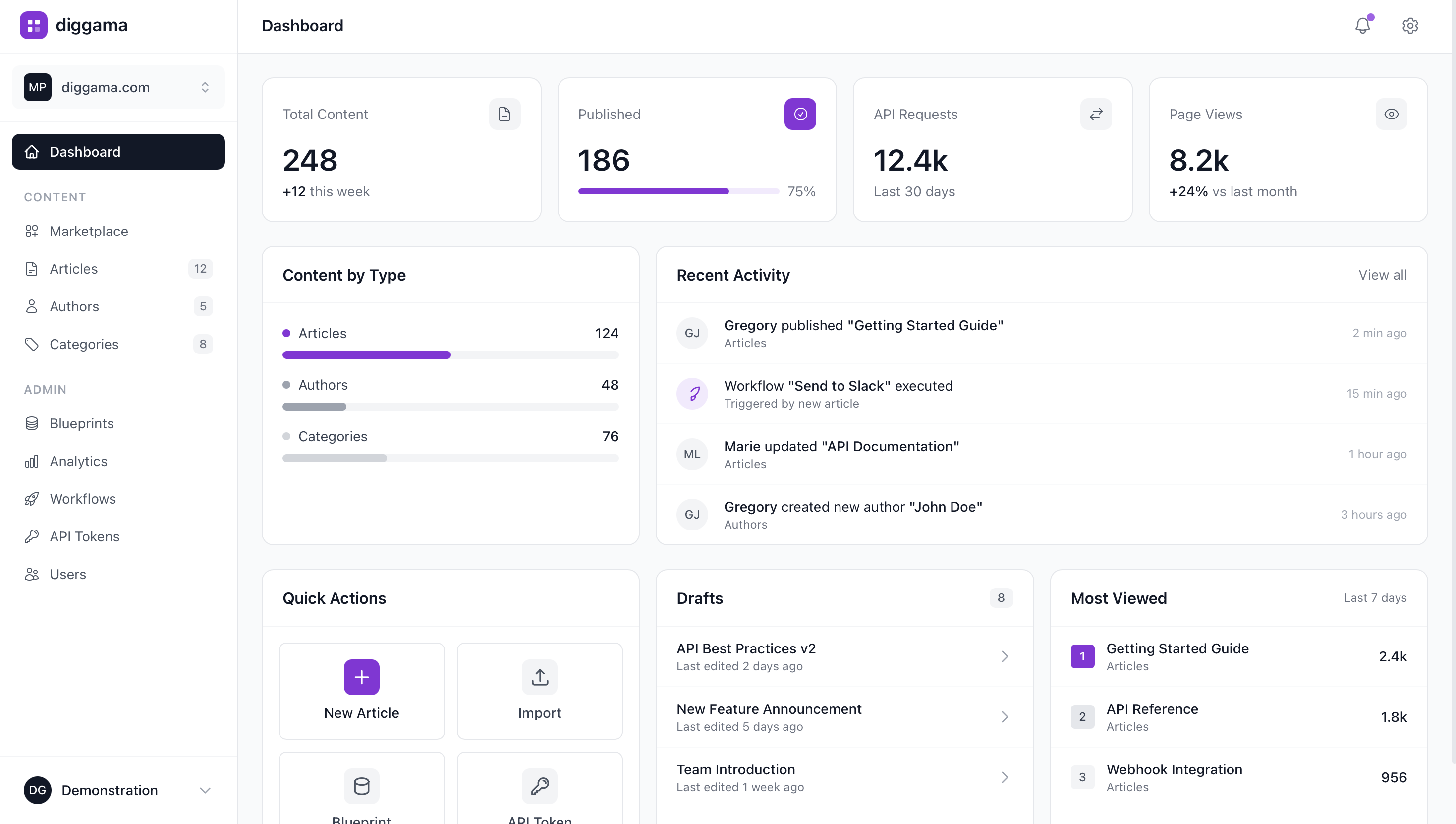
- License inventory
- Expiry alerts
- Cost tracking
- Compliance reporting
- Vendor management
- Usage monitoring
The tipping point
When you know it's time to switch
The trigger is typically a painful financial discovery. The CFO reviews expenses and finds the company is paying for three overlapping project management tools, 40 unused design software seats, and a subscription that auto-renewed for 12,000 euros six months after the team stopped using it. When the total waste is quantified and the spreadsheet that was supposed to prevent this is shown to be months out of date, the mandate for a real tracking system becomes immediate.
The solution
How Diggama solves this
Diggama gives you structured data with custom fields, validation, and API access - without the chaos of spreadsheets.
Try it free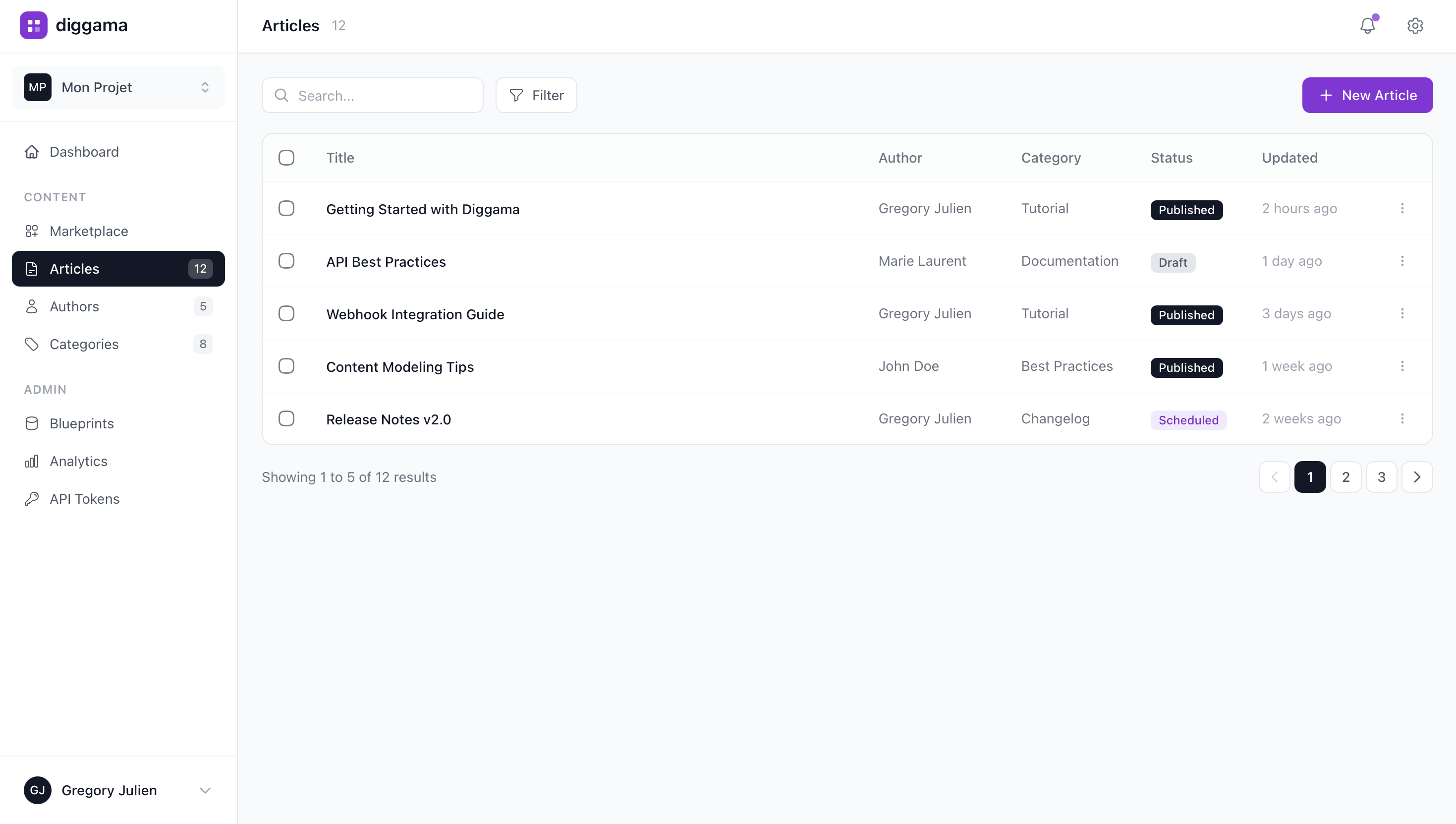

How it works
How It Works
- 01
Start in Minutes
Create your software license tracking with a ready-made template. No technical setup needed.
- 02
Make It Yours
Customize fields, views, and workflows to match exactly how your team works.
- 03
Connect Everything
Use the REST API to integrate with your existing tools - or just use Diggama standalone.

How does Diggama help with Replace Excel?
Diggama gives you structured data with custom fields, validation, and API access - without the chaos of spreadsheets.
Why is Replace Excel a problem?
IT and finance teams tracking software licenses in Excel face a unique challenge: the data changes constantly. Subscriptions renew monthly or annually, seat counts fluctuate as employees join and leave, and pricing tiers shift with usage. A typical spreadsheet has columns for vendor, product, license type, seat count, cost, renewal date, and owner. The problem is that nobody updates it consistently. Renewal dates pass unnoticed, triggering auto-renewals for software nobody uses. Seat counts in the spreadsheet diverge from actual usage because onboarding and offboarding processes do not feed back into the sheet. At 40+ subscriptions costing an average of 15,000 euros per month, even a 10% waste rate means 18,000 euros lost annually to unused licenses.
When should I switch to Diggama?
The trigger is typically a painful financial discovery. The CFO reviews expenses and finds the company is paying for three overlapping project management tools, 40 unused design software seats, and a subscription that auto-renewed for 12,000 euros six months after the team stopped using it. When the total waste is quantified and the spreadsheet that was supposed to prevent this is shown to be months out of date, the mandate for a real tracking system becomes immediate.
How much does Diggama cost?
Diggama offers a free tier with generous limits. Paid plans start at affordable prices for growing teams. Visit our pricing page for details.
How long does it take to set up?
Most teams are up and running in under 10 minutes. Start with a template or build from scratch - no engineering support needed.

Stop struggling with Replace Excel
Diggama gives you structured data with custom fields, validation, and API access - without the chaos of spreadsheets.
No credit card required · 3 months free trial · Cancel anytime