CMS for SaaS
Website CMS for SaaS
Build and manage your website content with an API-first CMS. No code required - designed for SaaS teams.
6 features · REST API · Free tier
SaaS challenges
Why SaaS teams need this
SaaS companies need their marketing website to be a high-performance growth engine: it must load fast, rank well in search engines, convert visitors into trial signups, and reflect the latest product positioning -- all while being editable by marketing without constant engineering involvement. SaaS websites are content-rich: product pages, use-case pages, pricing, customer stories, integrations directory, changelog, and legal pages.
- 01 Marketing cannot update website copy, launch new pages, or adjust CTAs without filing a request with the engineering team and waiting days
- 02 The website redesign cycle is painful because content is entangled with code, requiring full developer involvement for any structural change
- 03 SEO-critical pages like use-case pages and integration directories require programmatic content assembly that traditional CMSs cannot support
Key benefits
What SaaS teams gain
- Marketing teams publish and update website content independently, eliminating the developer bottleneck for routine changes
- API-first delivery supports any frontend framework (Next.js, Astro, Nuxt) while keeping content management simple
- Structured content for programmatic page types like integrations and use cases scales to hundreds of pages without manual effort
- SEO metadata fields on every content type ensure consistent search optimization across the entire site
Case study
Real-world example
- 1 Old workflow broken
- 2 Switched to Diggama
- 3 Problem solved
A SaaS company selling HR software needed 45 integration partner pages on their website, each with structured content (partner logo, description, integration type, setup guide link). Creating these pages manually in their Next.js codebase took a developer 30 minutes each. After adopting a structured platform to manage integration content via API, the partnerships team could create and publish new integration pages in 5 minutes without developer involvement. The 45 pages were migrated in a single day, and the site now adds 2-3 new integration pages per week -- something that was previously impossible given engineering priorities.

6 features
Features for SaaS
- Custom content types
- Visual editor
- Media management
- SEO fields
- Multi-language support
- API access
Is Diggama Website CMS suitable for SaaS?
SaaS companies need their marketing website to be a high-performance growth engine: it must load fast, rank well in search engines, convert visitors into trial signups, and reflect the latest product positioning -- all while being editable by marketing without constant engineering involvement. SaaS websites are content-rich: product pages, use-case pages, pricing, customer stories, integrations directory, changelog, and legal pages. The content changes frequently as positioning evolves, new features launch, and new integrations are added. Traditional CMSs either give marketing control but limit developer flexibility, or give developers full control but bottleneck marketing. API-first content management solves this by separating content from presentation.
What are the key benefits for SaaS?
Marketing teams publish and update website content independently, eliminating the developer bottleneck for routine changes API-first delivery supports any frontend framework (Next.js, Astro, Nuxt) while keeping content management simple Structured content for programmatic page types like integrations and use cases scales to hundreds of pages without manual effort
Does Diggama handle SaaS compliance requirements?
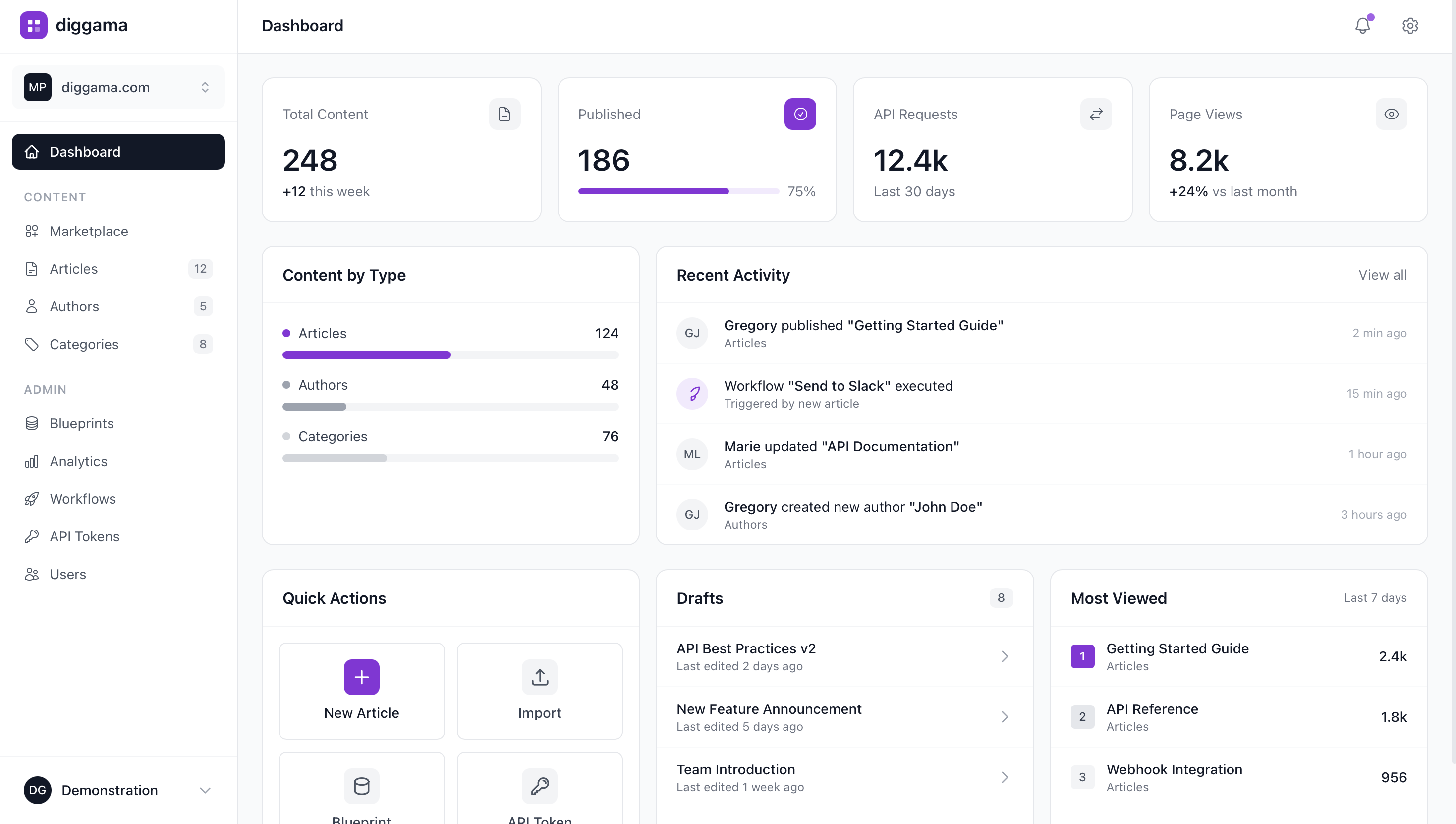
Diggama provides role-based access control, audit logs, and data export capabilities that help SaaS teams meet their compliance needs.
What features matter most for SaaS?
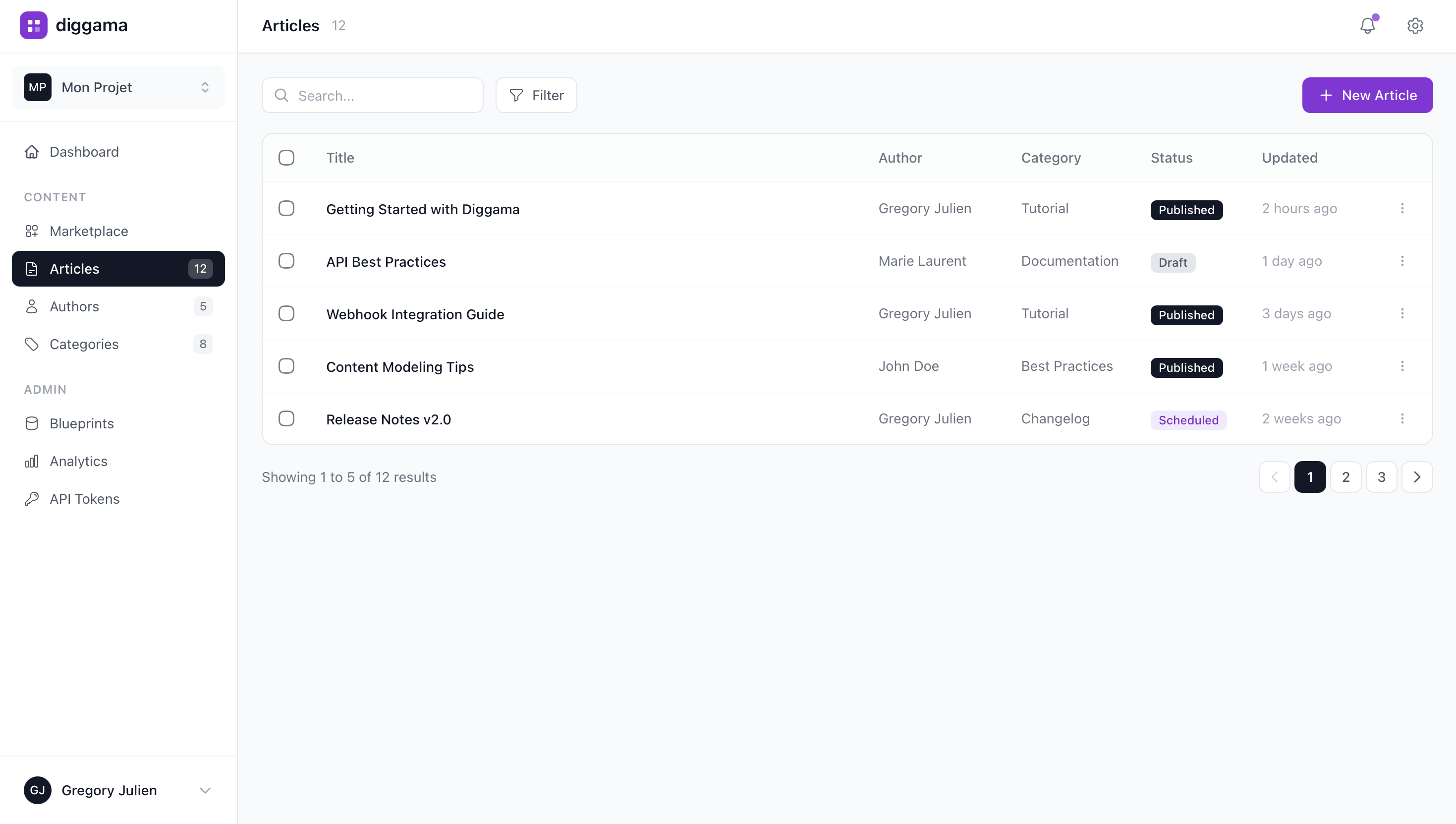
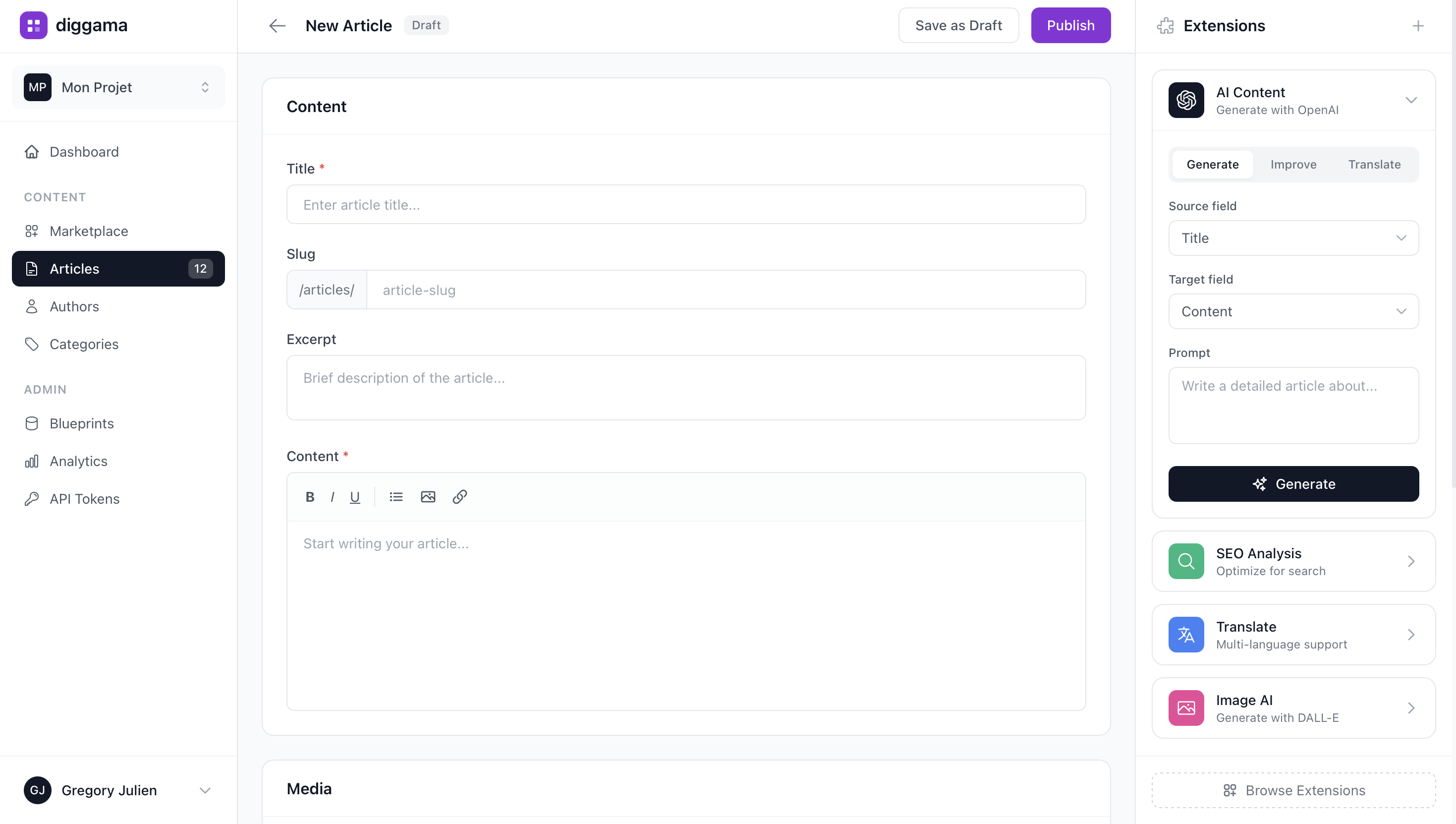
For SaaS teams, the most relevant features include Custom content types, Visual editor, Media management.
How much does Diggama cost?
Diggama offers a free tier with generous limits. Paid plans start at affordable prices for growing teams. Visit our pricing page for details.
How long does it take to set up?
Most teams are up and running in under 10 minutes. Start with a template or build from scratch - no engineering support needed.

Website CMS built for SaaS
See how SaaS teams use Diggama. Start free today.
No credit card required · 3 months free trial · Cancel anytime