
Website CMS for SaaS
Build and manage your website content with an API-first CMS. No code required — designed for SaaS teams.
Why SaaS teams need this
SaaS companies need their marketing website to be a high-performance growth engine: it must load fast, rank well in search engines, convert visitors into trial signups, and reflect the latest product positioning -- all while being editable by marketing without constant engineering involvement. SaaS websites are content-rich: product pages, use-case pages, pricing, customer stories, integrations directory, changelog, and legal pages.
Marketing cannot update website copy, launch new pages, or adjust CTAs without filing a request with the engineering team and waiting days
The website redesign cycle is painful because content is entangled with code, requiring full developer involvement for any structural change
SEO-critical pages like use-case pages and integration directories require programmatic content assembly that traditional CMSs cannot support
What SaaS teams gain
Marketing teams publish and update website content independently, eliminating the developer bottleneck for routine changes
API-first delivery supports any frontend framework (Next.js, Astro, Nuxt) while keeping content management simple
Structured content for programmatic page types like integrations and use cases scales to hundreds of pages without manual effort
SEO metadata fields on every content type ensure consistent search optimization across the entire site
Real-World
Example
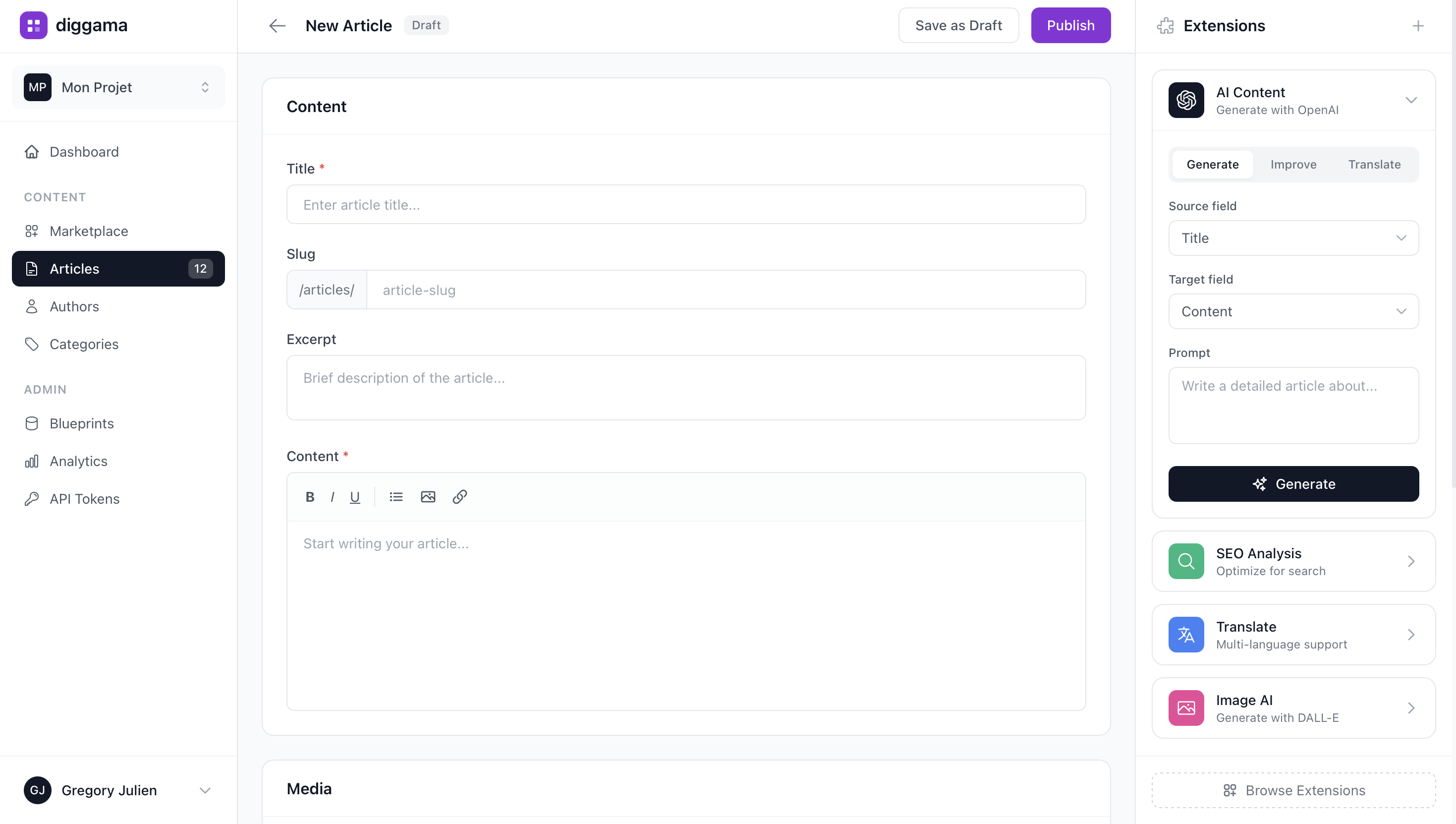
A SaaS company selling HR software needed 45 integration partner pages on their website, each with structured content (partner logo, description, integration type, setup guide link). Creating these pages manually in their Next.js codebase took a developer 30 minutes each. After adopting a structured platform to manage integration content via API, the partnerships team could create and publish new integration pages in 5 minutes without developer involvement. The 45 pages were migrated in a single day, and the site now adds 2-3 new integration pages per week -- something that was previously impossible given engineering priorities.
Features for SaaS
Frequently Asked Questions
Is Diggama Website CMS suitable for SaaS?
What are the key benefits for SaaS?
Does Diggama handle SaaS compliance requirements?
What features matter most for SaaS?
How much does Diggama cost?
How long does it take to set up?
Website CMS built for SaaS
See how SaaS teams use Diggama. Start free today.