
Ticketing
Diggama Ticketing lets you manage support requests, IT tickets, and incidents with customizable statuses, priorities, and assignment rules.
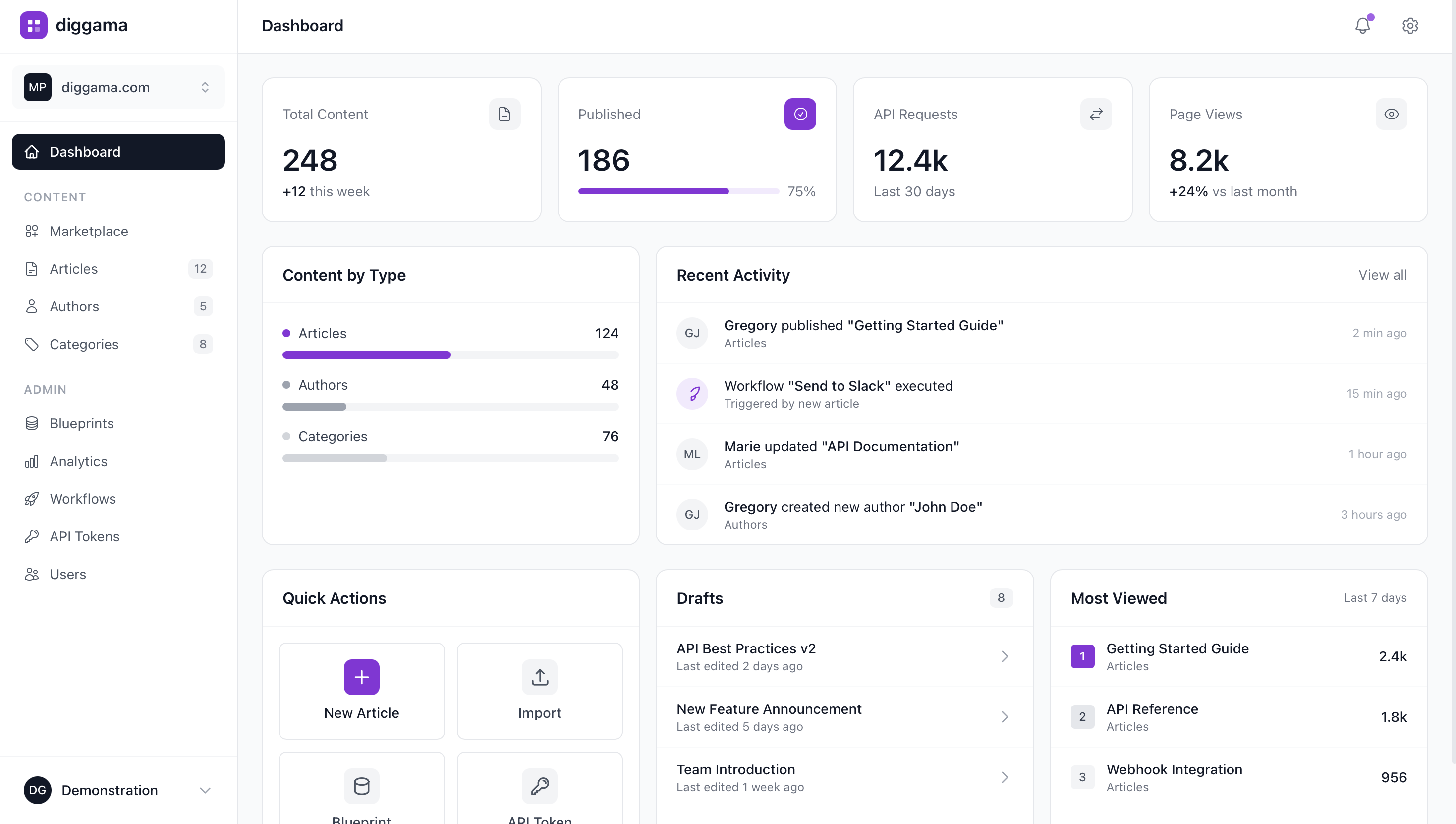
Ticketing Solutions
Everything you can build with Diggama Ticketing.
Incident Management
Track and resolve incidents with structured workflows and escalation paths.
For SRE teams, DevOps engineers, IT operations
Internal Request Management
Manage internal requests from employees — IT, HR, facilities, and more.
For HR teams, Facilities managers, IT teams
IT Helpdesk
Manage IT support requests with customizable workflows, priorities, and SLA tracking.
For IT support teams, Help desk managers, System administrators
Customer Support Ticketing
Handle customer inquiries and support requests with organized ticket management.
For Customer support teams, Support managers, Customer success
Your ticketing command center
Manage support tickets, IT requests, and incident tracking with customizable workflows.
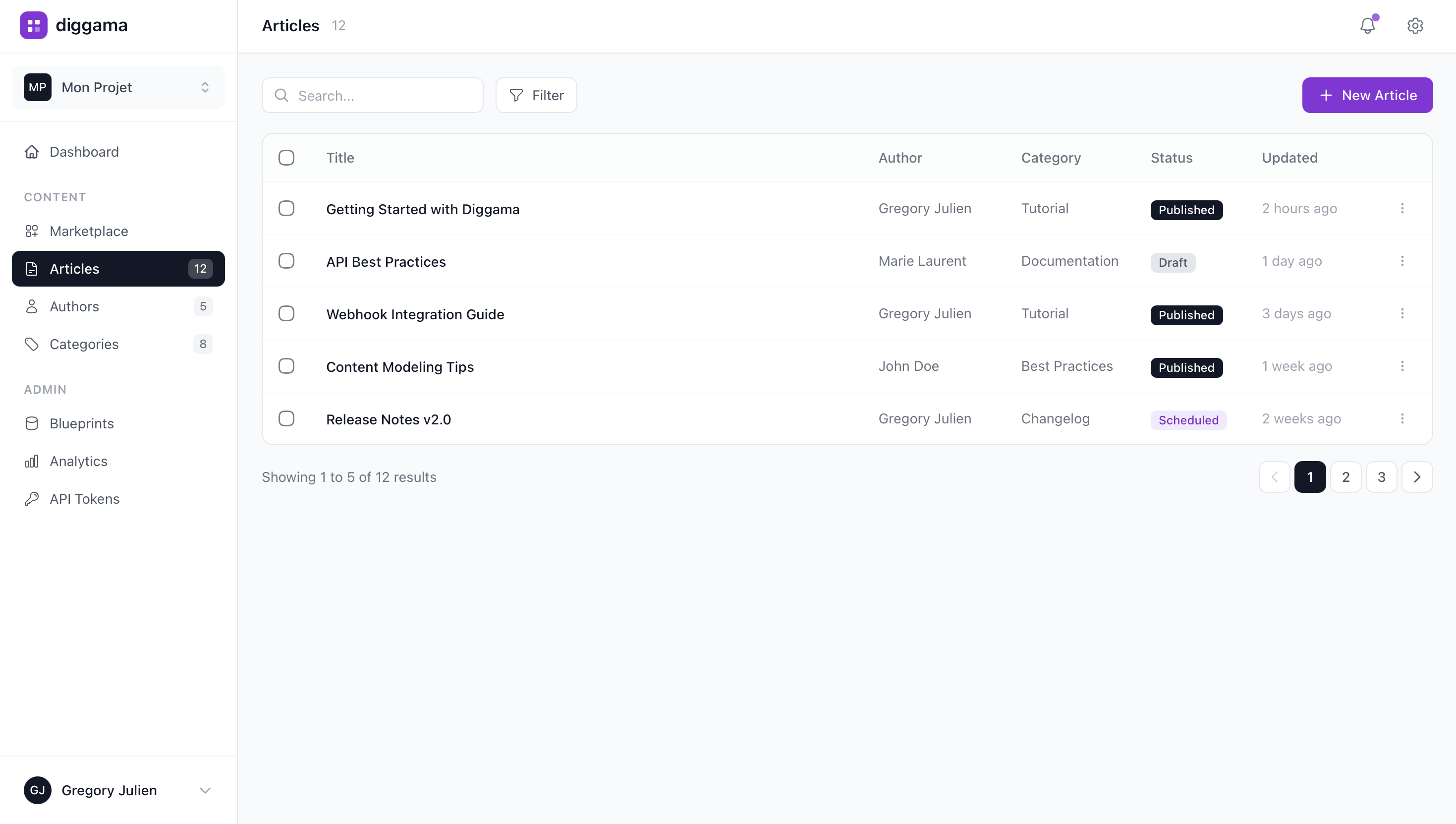
How Diggama Ticketing Works
Three simple steps to go from idea to production-ready ticketing platform.
Define Your Structure
Create blueprints for your ticketing with custom fields and relationships.
Add Your Data
Use the visual editor or import existing data. No coding required.
Connect via API
Pull your data into any frontend with our REST API. Ship in minutes.
Frequently Asked Questions
What is Diggama Ticketing?
What use cases does Diggama Ticketing support?
Is Diggama Ticketing free?
Do I need coding skills?
How does Diggama compare to spreadsheets?
How much does Diggama cost?
How long does it take to set up?
Ready to build your Ticketing?
Start free and set up your ticketing in minutes.